Line Following Robots
A line-following robot or "line follower" is a pretty common type of robot for hobbyists. Robotics competitions usually have a line-following event. The line is usually a black line about 3/4" wide, such as black electrical tape, on a white surface. Advanced courses may add new challenges such as inclines, tighter turns, intersections, thinner lines, or changing line colors. The robots typically sense the line by measuring light reflected off the ground, where a black line reflects little/no light and the white floor reflects a lot of light back. There are TONS of websites relating to line-following robots as it's a very common beginner project.
Robot's Overview
My robot is actually a fairly good robot base which could easily be adapted to maze solving, obstacle avoiding, or other applications of small, 2-wheeled robots. However, at this point in time, it only follows a line and avoid obstacle. The robot consists of 2 DC gearhead motors, a sensor board with 5 photo-transistor/ Infrared LED sensors, an L293D H-Bridge motor controller board, and an Atmel ATtiny26 microcontroller.
A sensor board with 5 sensors shines light downward at the ground. If the line is underneath the sensor, then the little/no light will be reflected back to a paired phototransistor. If the line is not underneath the sensor, more of the light will be reflected back. A microcontroller measures the output of each of the phototransistors through its analog-to-digital converter (ADC). Based on the position of the line underneath the robot, the microcontroller adjusts the speed/direction of the DC motors to steer the robot.
Building The Robot
Building the robot was the hardest part for me. I am by no means a mechanical engineer and had a lot to learn. The robot is a 2-wheeled differential-drive robot.
A differential-drive robot works like a tank. The two wheels provide both the drive and the steering. By stopping one motor and not the other, the robot pivots on the stopped motor to turn. By turning one motor forward and the other motor backward, the robot turns in place.
Motors and Wheels
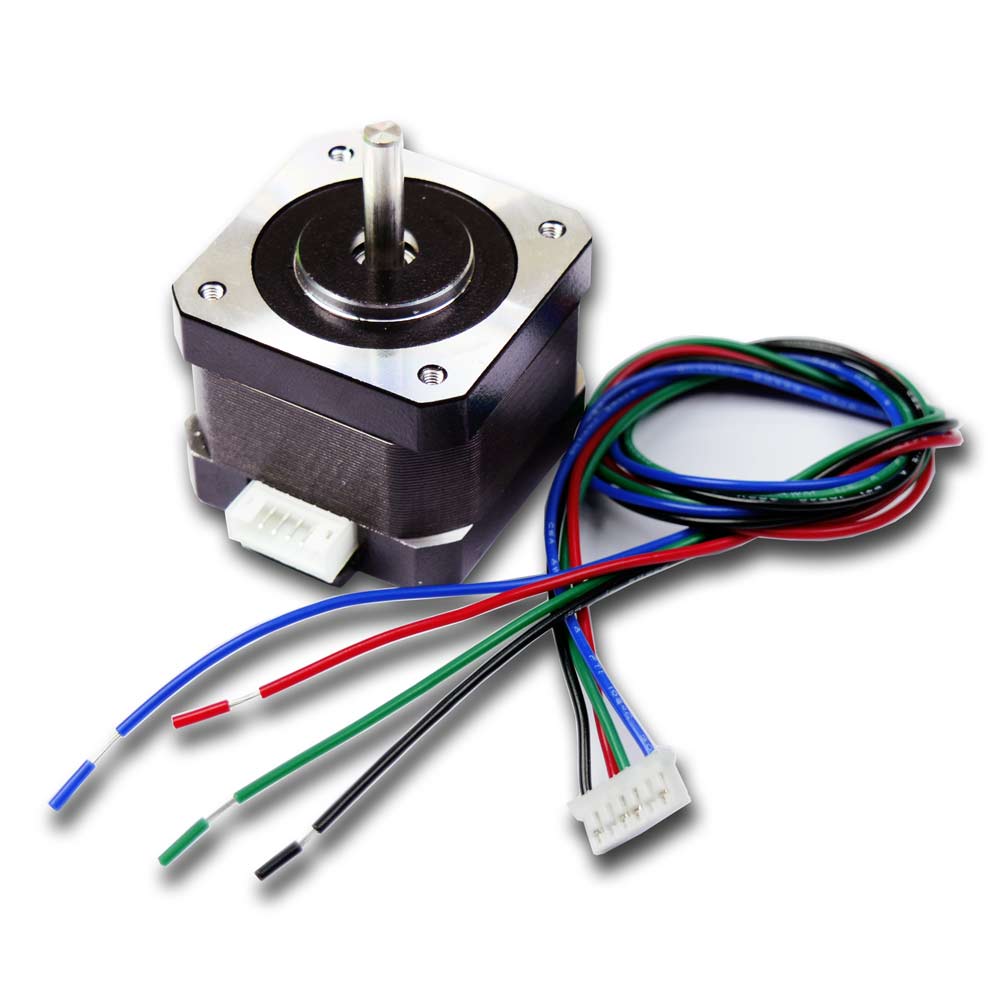
In earlier attempts I had problems with motors not having enough torque to properly move the heavy robot bases I was building. I decided to buy gearhead motors with a very high torque and use larger wheels to make up for the loss in RPMs. I bought these motors from “Dholaikhal”. It cost 350tk each, that mean 700tk total. This is the only expensive part. I collect the tire from my nephew’s toy. These relatively large wheels allow the slower motors to suffice for moving the robot quickly.


Power Supply Ckt

Sensor Board
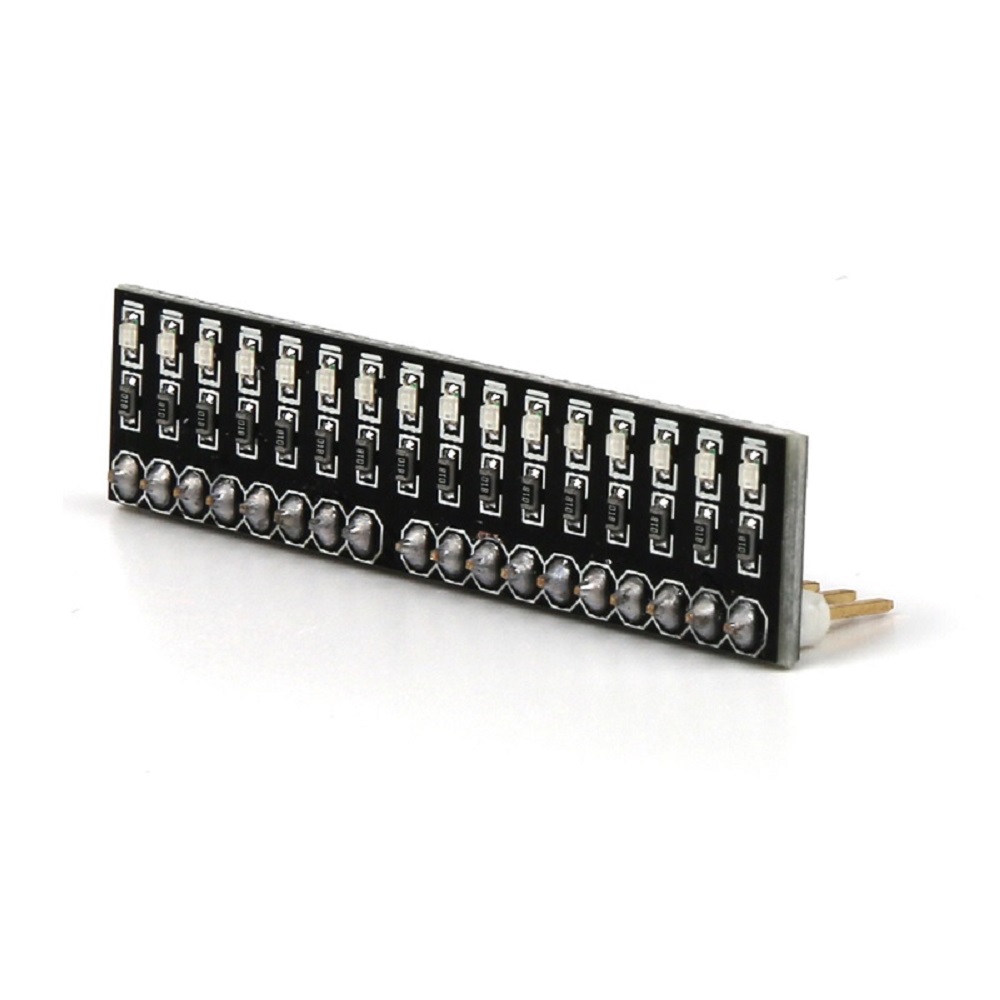
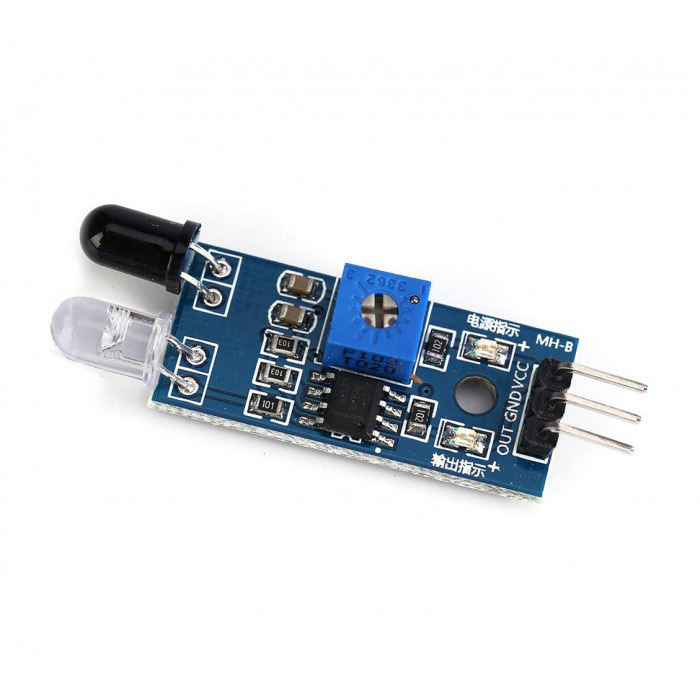
The sensor board was one of the only things that worked since the very first. There are 5 line sensors. Each line sensor consists of a single infrared LED and a photo-transistor. The electronics of the sensor board will be discussed later. However, the construction here does make a difference. The phototransistors will be sensitive to the ambient light in the environment and thus I want to keep that down to a minimum. I want the light from the LEDs bouncing off the ground back to the phototransistor to be the primary light hitting the phototransistor.
That's why I placed them as the figure shows:


I wasn't too concerned with one sensor being skewed or protruding more/less as I knew I could have each LED independently calibrated via software (discussed later).
Robots Electronics
Motor Controller
The motor controller is a simple H-Bridge using the L293D. 4 lines from the microcontroller are used to control the 2 motors. M1DIRA and M1DIRB is the direction control for the left motor and M2DIRA and M2DIRB is the direction control for the right motor. This is a very common DC motor control concept and thus I'm not going to go into further detail. A Google search will return numerous pages on the topic.
When testing the motors, I found that they pulled 50mA with just the wheel spinning freely and 590mA stalled. The L293D can handle 600mA per channel. Just to be on the safe side, you can put a heatsink on the L293D though it was never necessary.
The most important thing I learned with this part was this: BEWARE OF THE NOISE FROM MOTORS! The motors can add tremendous noise to the supply even when using a separate battery for the motors than from the rest of the electronics (common ground). The solution was the capacitors on the motors. Three 0.1uF capacitors were used on each motor. One was connected between the motor terminals, and also one from each terminal to the motor's casing. Always twisted the wires. Michael Simpson's "Reduce Motor Noise" discusses these techniques in more detail.

Sensor Board
For each sensor, I used an Infrared LED paired with a phototransistor. I did not want to deal with difficult hardware for the sensors. I knew the tools I have at my disposal will not allow perfection in terms of mounting these LEDs and getting each of the 5 sensors to behave the same. Each of the phototransistors outputs are tied together resulting in a single output line fed back into the ADC of the microcontroller. However, only one LED is turned on at a time via software. Each sensor is individually calibrated so that ambient light and variations in how each sensor is mounted are accounted for.
For obstacle detection only one pair of infrared LED and photo transistor is used. It doesn’t need to calibrate.

Obstacle Avoiding
For obstacle avoiding I use one pair of infrared LED and phototransistor. Output of the phototransistor is connecting with the “Interrupt 0” pin of the microcontroller.

Microcontroller
This robot has used Atmel’s AVR ATtiny26.

Software
The software for the robot is written in C for the Atmel AVR microcontrollers using avr-libc and the AVR Studio 4.12 compiler. The robot is able to handle 90 degree turns and intersections at a very decent speed. At this point in time, my gear motors have such a high reduction ratio that I do not need to use PWM to change the speed. When turned on, the robot stays still for a couple seconds while it calibrates the sensors. Once this calibration is complete, the robot begins to search the line. When it detects the line it starts to track the line by the line detection algorithm in a loop. If there is any obstacle it’ll trigger the external interrupt and it turn over 180 degrees and again track the line.
Calibration
During the calibration, the robot stays still in place above the line in an attempt to "learn" the lighting conditions of the environment when on the line. After a while it goes forward a little to get off the line in an attempt to "learn" the lighting conditions of the environment when off the line. Two values are setup for each sensor. A low value indicating the lowest value read from that sensor and one for the highest value for that sensor. At the end of the calibration, the middle of these two values is the "trip point" for the sensor. Anything above this trip point is considered high and anything below is considered low. Each LED is calibrated many times over, one at a time, as follows:
- Turn on LED.
- Measure ADC value from phototransistor.
- If the value is lower than the lowest value measured, save this as the lowest value.
- If the value is higher than the highest value measured, save this as the highest value.
- Turn off LED.
- Then, a trip point is setup as low value + ((high value - low value)/2).
Steering
There are 6 directions defined for the robot.
- GO_LEFT-->Left motor stop & right motor goes forward. Robot pivots to left.
- GO_HARD_LEFT-->Left motor reverse & right motor forward. Turn left in place.
- GO_FORWARD-->Both motors go forward and robot goes forward.
- GO_HARD_RIGHT-->Right motor reverse and left motor forward. Turn right in place.
- GO_RIGHT-->Vice versa of GO_LEFT
- GO_BRAKE-->Both motors are stop
Line Detection Logic
The robot decides which direction to go based on the 5 sensors. Each sensor is read one at a time and the bit value is stored in a variable. The bits are left shifted into the variable starting with the left sensor. Therefore, the leftmost sensor is the most significant bit in the variable. Based on the final result of all 5 sensors being left-shifted into the variable, the robot decides how to steer.


Demonstration of the robot:
CLick Here
A student of our MCU course (Fahimul Islam) build this robot: Click Here